

Step 1: Check your accounts
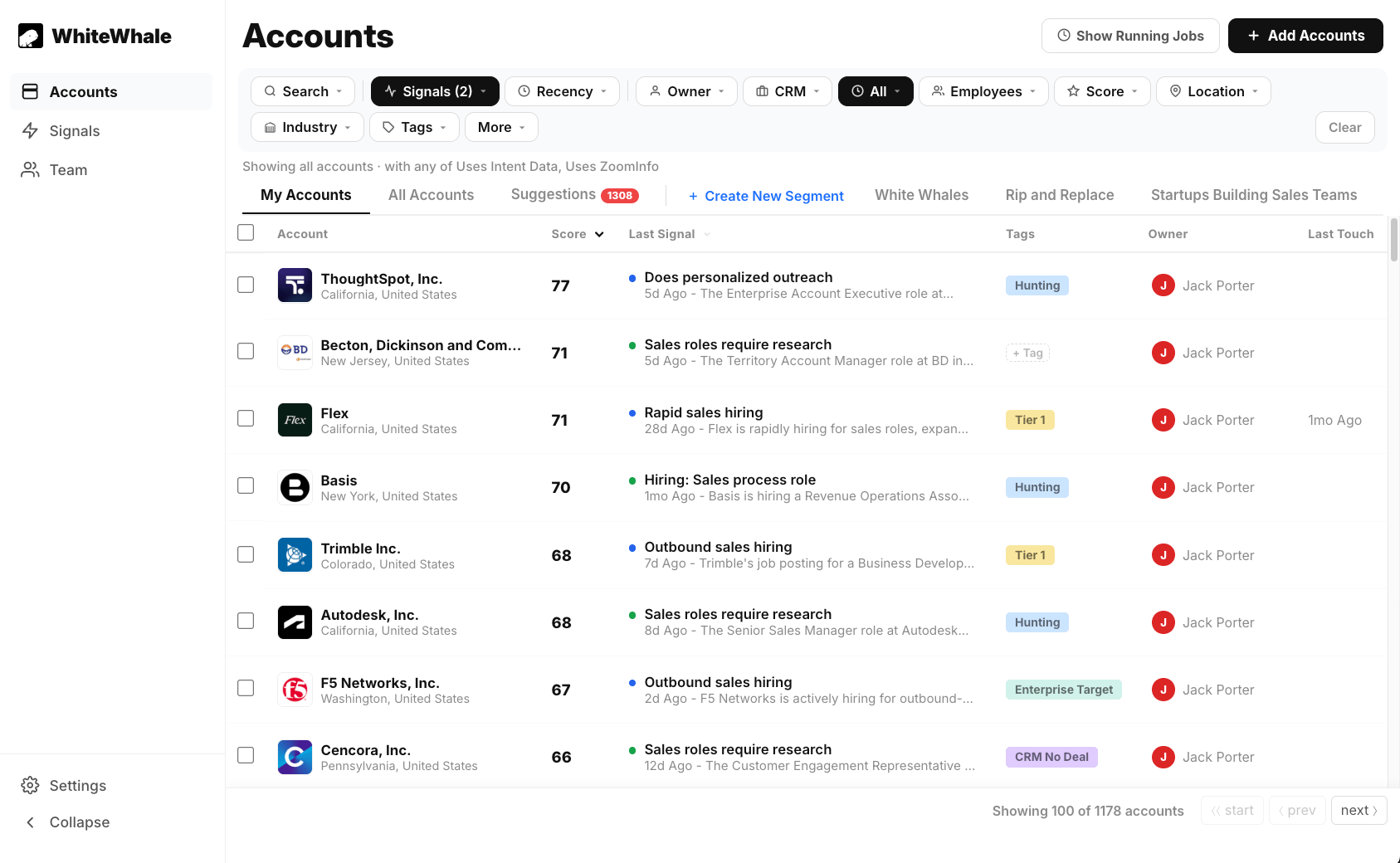
Account Scoring Explained
Understand what the score means and what a good score looks like for your book.
Step 2: Find your freshest signal activity
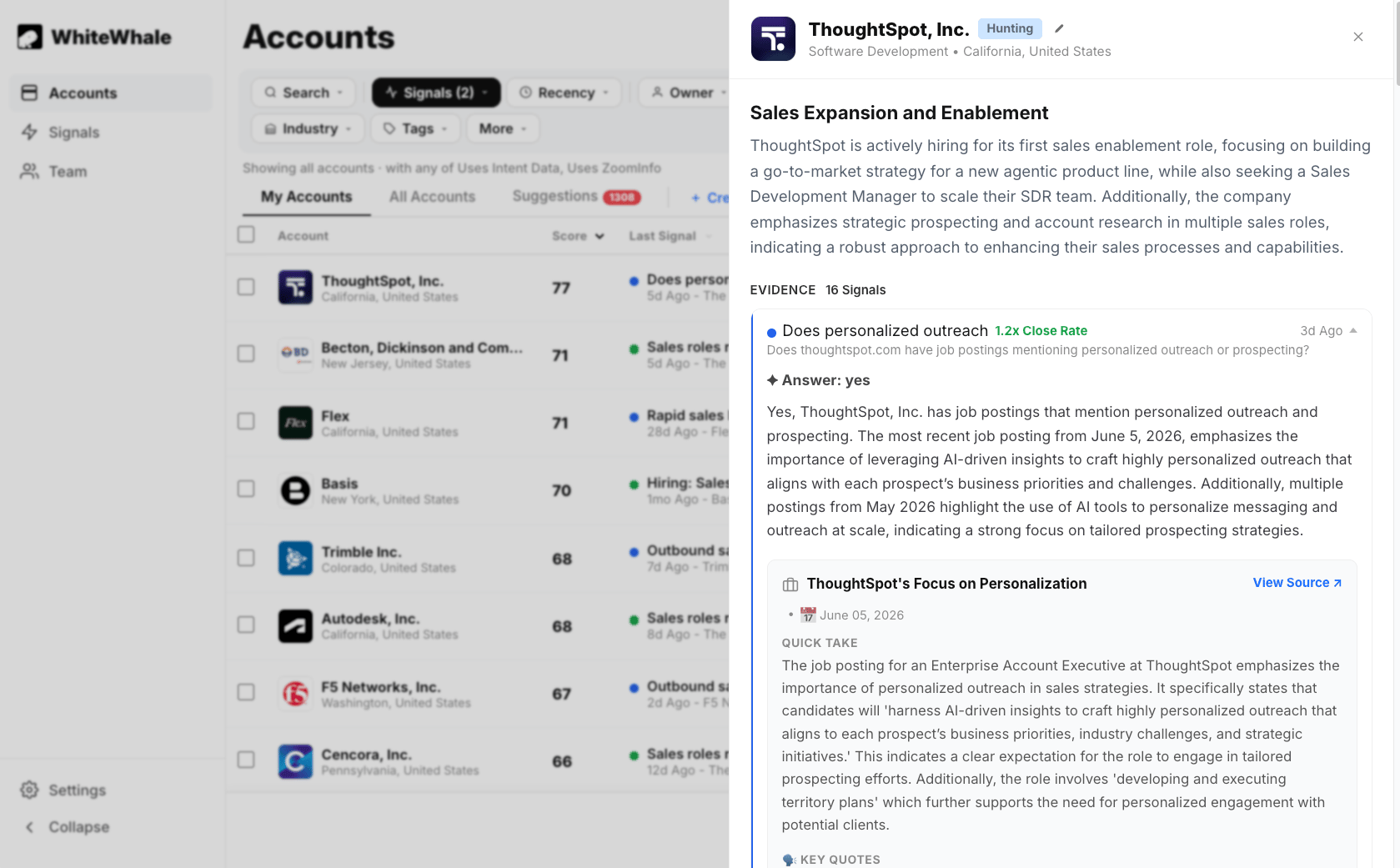
How to See All New Signals
Sort and filter your accounts by signal date to find the best timing.
Step 3: Read the Why Now before you reach out
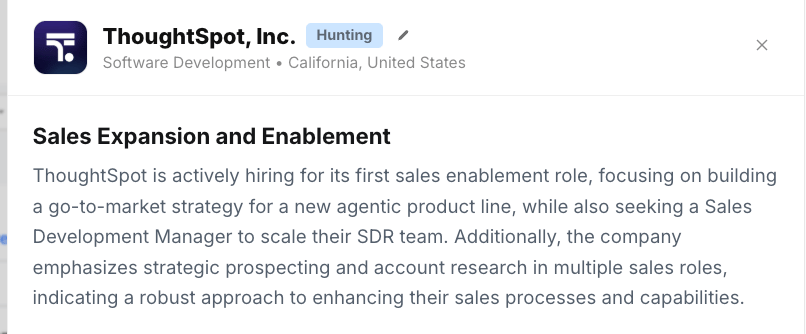
Using the Why Now Summary
How to read the Why Now and use it to build your outreach angle.
Step 4: Use Claude to build your pitch (Optional)
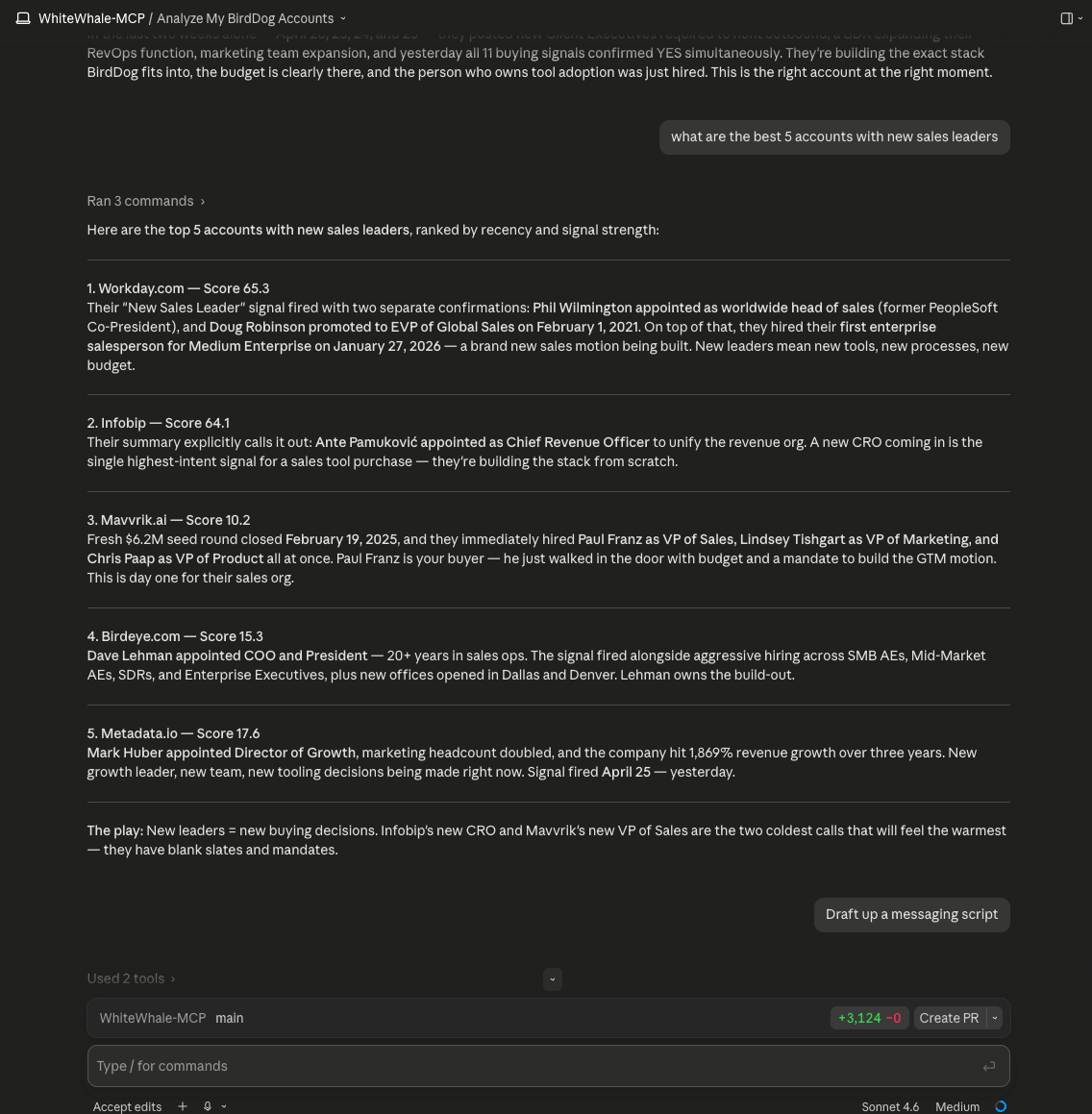
“Here’s what’s happening at this account: [paste Why Now]. We sell [product] that helps companies [outcome]. Help me write a 2–3 sentence opener that connects their situation to our value.”Claude will turn your signal data into a specific, personalized message in seconds. You can also ask Claude to help you understand the account better, identify the right contact to reach out to, or draft a follow-up sequence. If your team has the Claude MCP set up, you can ask Claude directly about your WhiteWhale accounts without ever leaving the conversation:
- “Which of my accounts should I prioritize today?”
- “What’s happening at [company]?”
- “Show me all my accounts with new CRO signals”
Claude MCP
Connect Claude to your WhiteWhale data for hands-free research.
Using the Why Now Summary
Get the full signal story before you write a word.
Step 5: Send the right message
We don’t tell you how to do outreach, and we can’t even promise meetings because so much goes into booking one. However, if you are looking for a place to get started after over 700 sellers have used WhiteWhale, the outreach that works from WhiteWhale follows a simple format every time:- I noticed — reference the specific signal you saw
- I bet — name the problem that signal implies
- Here’s how we help — connect it to your product
- Lead magnet — give them a reason to respond
Jeff — I wouldn’t reach out if I hadn’t done my homework. Saw you were hiring for 5 inbound SDRs taking demos. I’d bet you’re thinking about how to ramp those reps fast so they can start generating pipeline. Usually the problem is teaching them the nuance of the pitch. If that’s something you’re thinking about, I have a 1-pager I built specifically for your company — want me to send it over?The channel matters less than the message. The best teams use a mix of calls, emails, and LinkedIn notes. What makes them work is leading with the signal — showing the prospect you did your homework before you said a word.
Best Outreach We've Seen
Real examples and the full framework for signal-based outreach.
Step 6: Set up your notifications
Make sure WhiteWhale can reach you when something happens on your accounts. Slack or Teams: Ask your admin to confirm you’re connected. Then go to Settings → User Notifications and turn on at minimum:- Daily Signals — new signal activity on your accounts
- Assigned Accounts — when a new account is assigned to you
Slack
Get signal alerts in Slack.
Pre-Meeting Research Brief
Automatic research before every meeting with a tracked account.
The data doesn’t look right?
WhiteWhale is fully customizable — the signals, filters, and search settings your admin chose are a starting point, not permanent. If you’re seeing:- Signals firing from the wrong geography — the signal needs a location constraint added
- Signals that are too broad or not relevant — the signal needs more context or a tighter description
- Accounts that don’t fit your ICP — the search filters need adjusting
- Scores that seem off — it may be a signal priority issue
Improving Signals
Share with your admin when signals are noisy or off-target.
Adjusting Your Suggestions
Share with your admin when search results aren’t the right fit.
What good looks like
Before WhiteWhale, you’re pulling accounts based on firmographics alone — industry, size, geography. No idea if the timing is right. With WhiteWhale, every account you reach out to has a reason. Something changed. Something happened. You’re not guessing — you’re acting on a signal that tells you this account has a problem right now that you can solve. The reps who get the most out of WhiteWhale check their new signals daily, read the Why Now before they reach out, and lead every message with the specific thing they noticed. That’s it. Same accounts, same messaging — just better timing and better context.Best Outreach We've Seen
See what the best teams are doing with WhiteWhale data.